Getting Started With cPanel
Печать- Modules, Sections, File Manager, Database, Web Applications, Domains, Security
- 0
The cPanel control panel is organized into various modules and sections, each offering specific functionalities for managing different aspects of web hosting. Here's a brief overview of the key modules and sections:
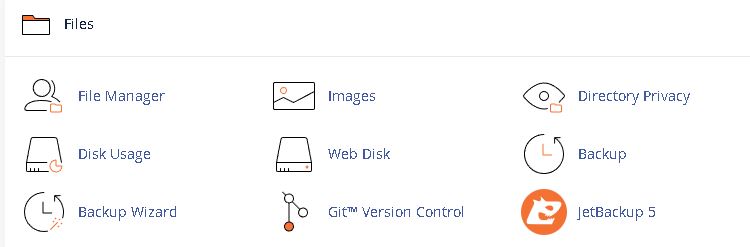
Files: This section allows users to access, modify, and manage website files, including folders for themes, plugins, media, and more. It also provides features for backing up and changing files.
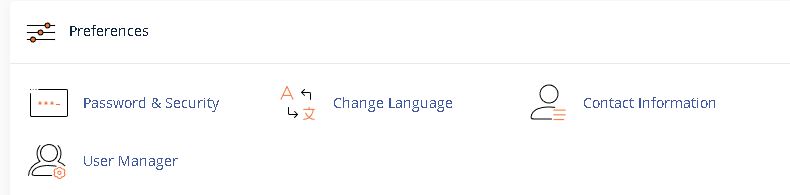
Preferences: This section enables users to save important contact information and perform various preference-related tasks.
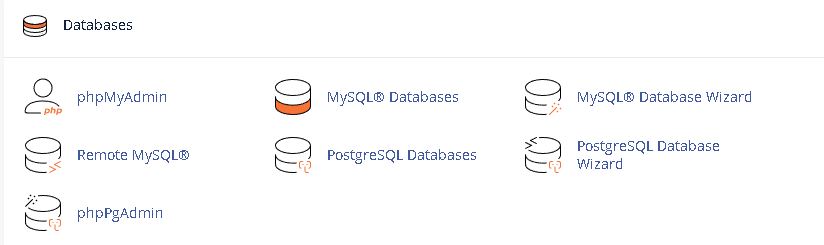
Databases: Within this section, users can create and manage databases for their websites, including options for MySQL databases commonly used for CMS platforms like WordPress.
Web Applications: This section provides tools for installing and managing web applications, such as content management systems like WordPress, Drupal, or Joomla, using a software installer tool.

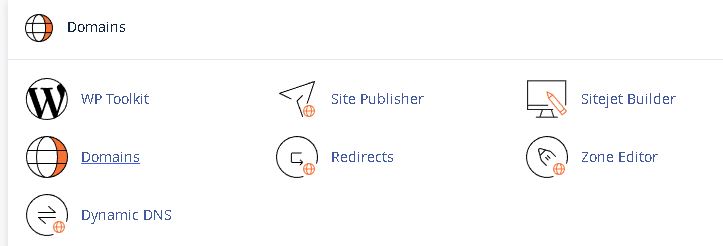
Domains: Under this section, users can configure new domains, set up parked domains, create subdomains, set up redirects, and perform other domain-related configurations.
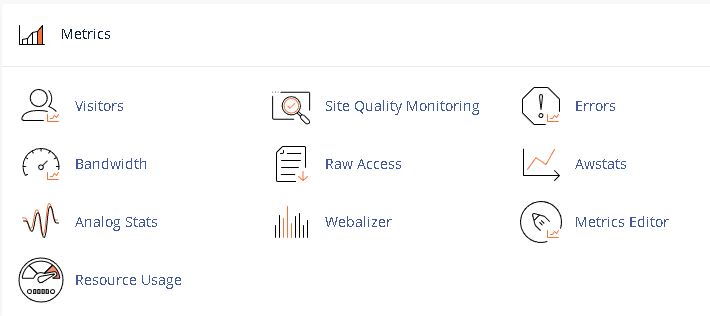
Metrics: Users can view metrics such as storage space usage and access different sections for website statistics and performance insights.
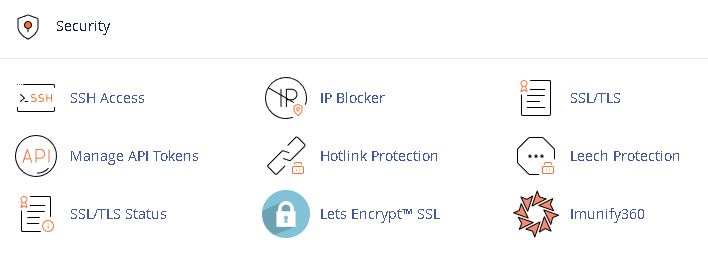
Security: This section provides tools for managing security settings, including features for handling SSL certificates, setting up firewalls, and managing other security-related aspects.
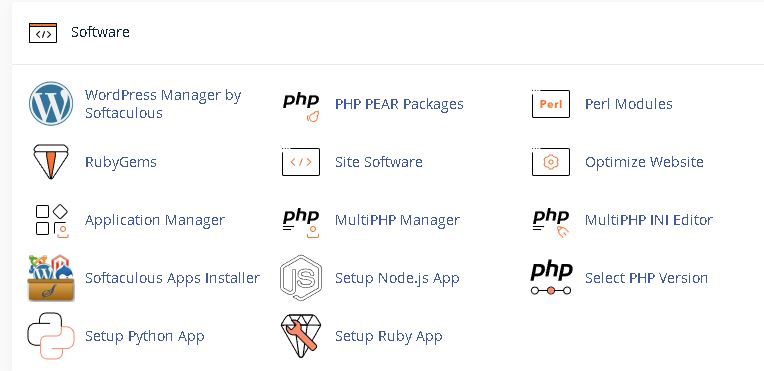
Software: Users can manage software installations, perform updates, and carry out maintenance operations such as upgrading and recompiling Apache and PHP.
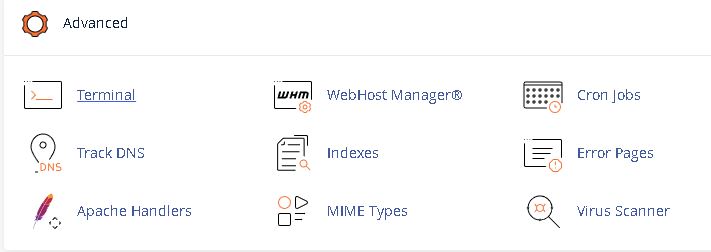
Advanced: This section offers advanced configurations and maintenance operations, typically accessible to server administrators for tasks like upgrading and recompiling Apache and PHP.
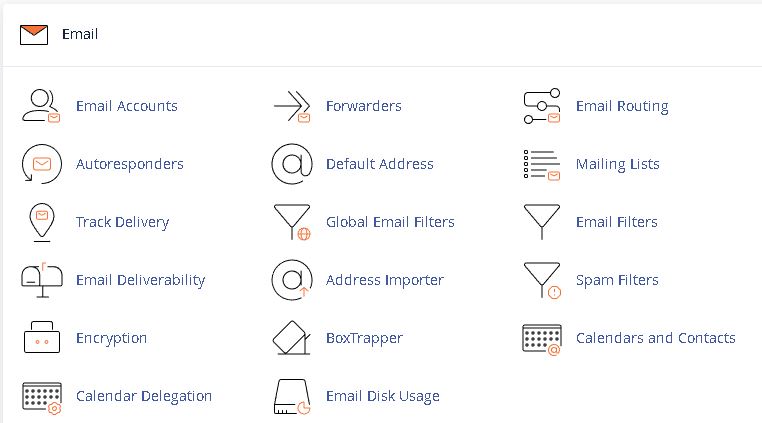
Email: Within this section, users can create new email accounts, modify existing accounts, change email passwords, set up mailbox quotas, and perform other email-related tasks.
This Article is created By Chandrashekhar R.